
Alder & Stone notes
The Custom Home Builder Website Portfolio CMS Playbook
How a custom home builder website portfolio CMS - and the right custom home builder website designer - closes 7-figure mountain modern builds from the gallery.
Alder & Stone notes
How a custom home builder website portfolio CMS - and the right custom home builder website designer - closes 7-figure mountain modern builds from the gallery.
Last spring we signed a 4,200-square-foot mountain modern on a lot just below Deer Valley. COO $2.3M, lot premium another $850K, owners who had toured exactly zero of our completed homes before they signed. What they did do: spend 14 minutes on our project gallery page - the part of our custom home builder website portfolio CMS that does the real selling - reading every spec sheet, scrubbing every photo set, clicking the process write-up twice. By the time they booked the consult, they weren't shopping. They were ready to talk allowances.
For a custom home builder, your website is the showroom. The portfolio is the difference between a prospect who books a consult cold and one who ghosts because your last completed project is from 2023. Below is what we have learned running a Park City custom-build shop, and why the answer for most shops at our tier is not another page-builder template - it is a managed platform plus a real partner. Book a 20-minute portfolio audit with the Workspace CMS team when you finish reading; bring your messiest project page to the call.
Every custom builder talks about their portfolio as a sales asset. Almost none treat it like one. The pattern is predictable:
In our experience, the average custom-builder site has not had a meaningful portfolio refresh in 9–14 months - roughly long enough for your last three completions to age out and for styles you have moved on from to keep dominating the gallery. That is a lot of $2M prospects looking at the wrong version of your shop.
We sat with a closing client last December and walked her browser history. Eleven builder sites visited in 30 days. On the four she short-listed, she spent 22 minutes per site on average. On ours, 41 minutes across three sessions. Here is what got her attention, ranked:
That fourth item is the one most builders miss. A blog is not a marketing chore - for a custom shop, it is proof-of-thinking. The fifth one is the one nobody is thinking about yet, and it is already deciding which builders make the shortlist.

A $1.5M-and-up build needs a portfolio page that reads like the architectural press, not a real-estate listing. That is craft work. Squarespace gives you a clean shell. Wix ships a page in an afternoon. Neither gives you the spec-sheet typography, the architect/designer credit slug, the allowance-table component, the per-style filter logic, or the build-progress timeline you actually want.
So most builders at our tier do one of three things. Hire a generic local agency that builds the site once, hands over a WordPress install, and disappears. Go to a luxury residential GC website company that charges $40K and bills another $2,500 every time a project completes. Or self-host on a page-builder and watch the portfolio go stale because no one inside the shop has time.
The fourth path - the one we ended up on - is a managed platform paired with a custom home builder website designer who builds the components once and ships every change after that on a ticket queue. The platform handles SEO, schema, image pipeline, and analytics; the 1Digital design team handles page work, photography sequencing, field-note write-ups, and the quarterly process-page refresh. If you have ever scoped a $30K rebuild with a luxury home builder web design agency and watched them choke on "add a new completion to the gallery," you know why this model exists. We documented the managed-change workflow on the marketing site.
UNLIMITED MANAGED CHANGES
Send a ticket. We ship the change.
Every Workspace CMS plan includes unlimited managed CMS edits. Essentials ships in 4 business days. Growth ships in 2. Premium ships in 12–24 hours. No per-edit fees. No "open a Jira" overhead. Every new completion, every drone-stage build-progress post, every allowance refresh, every architect/designer credit slug - just describe what you need and our team builds it on your live site.
We have walked enough builder sites at this point to be specific. Out of the full Workspace CMS toolset, these are the pieces that do the actual work on a $1.5M-and-up portfolio:
That is eight, which is one more than we promised, but the redirect manager comes free with the rest. If you want the full inventory, the features overview walks through every module.
A healthy custom-builder content cycle looks like:
No marketing intern is doing that on time. We tried. Staging photo sets, writing alt tags, swapping the homepage hero, updating schema, building redirects when we re-slug a project, refreshing internal-link rules from the style-category pages - every task is a half-day, and the someone is rarely available.
This is what the managed-CMS model was built for. A project completes, we drop photos, spec sheet, allowance recap, and architect attribution into a shared folder, file a ticket, and a portfolio page is live - with meta, OG image, JSON-LD schema, and a Content Pipeline Board entry - within 12–24 hours on Premium. Other builders walk through similar setups in the demo gallery.
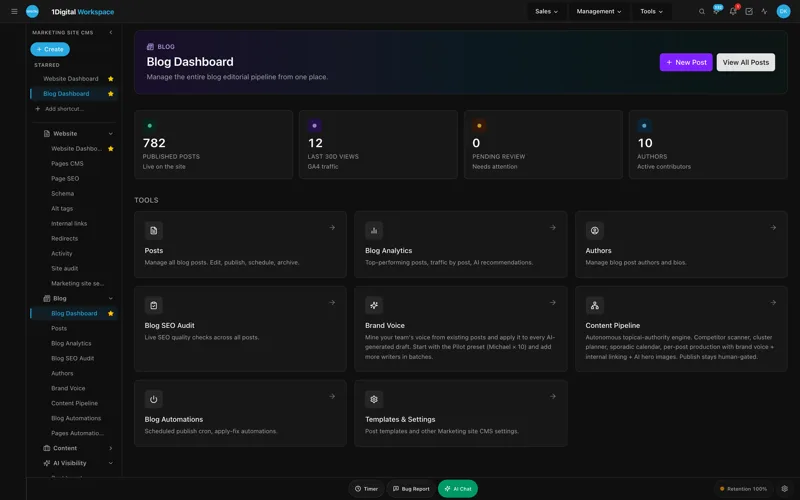
Workspace CMS publishes three tiers. Here is how we read them as a $1.5M-and-up builder, both for the platform and for the residential GC website company / managed-team work behind it:
If you sell at the luxury tier - sloped lots, named architects, $300/sqft-and-up finishes - Premium pays for itself the first time a $2.5M prospect finds your portfolio current and a competitor's stale. Compare them on the Workspace CMS pricing page, and if you want a paper trail, the case studies show the before/after on three different builder portfolios.
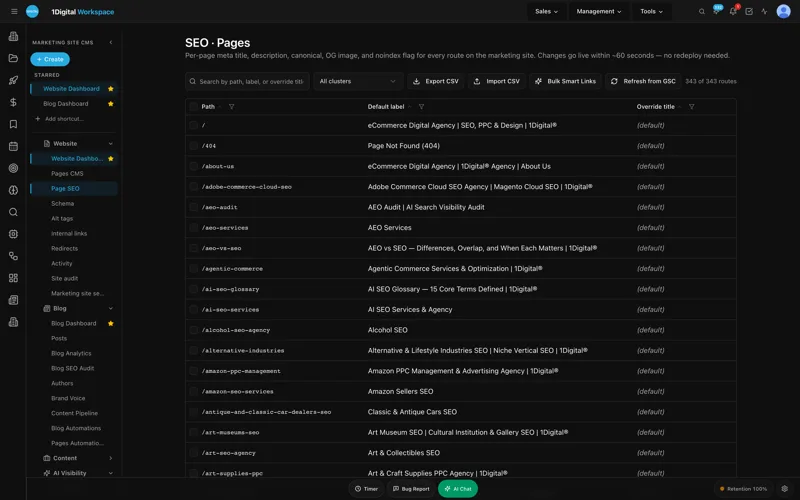
When a Park City buyer asks Claude or ChatGPT "who builds mountain modern homes in Deer Valley," the model is reading structured data. If your project pages do not carry proper JSON-LD - HomeBuilder service type, area served, square footage range, completion year, architect credit - you are invisible to the assistant layer that increasingly mediates high-consideration purchases. The Structured Data Editor ships visual JSON-LD authoring with live validation at every tier, and Premium AI Visibility Tracker tells you which project pages are getting cited and which queries you are missing.
This is also where the residential GC website company conversation gets interesting. Most agencies still treat schema as a one-time SEO task. It is not. It is a weekly maintenance discipline now, because the assistant layer reads it on a different cadence than Google does.
In the 90 days after we moved to Workspace CMS, we shipped 11 portfolio rebuilds with fresh hero photography and named architect/designer credits, 14 blog field notes (steel framing lead times, a structural ridge-beam install, a punch-list walkthrough, more), a full set of style-filter pages (mountain modern, transitional, alpine traditional, contemporary), and a process page with allowance ranges refreshed monthly.
Consult-form submissions from organic roughly doubled. More importantly, the consults that came in were further down-funnel - fewer "tell me about your company" calls, more "we have a lot under contract, here is our program." That is the signal the portfolio is doing its job. We also started showing up in AI assistant answers for "Park City custom home builders" queries within the first six weeks, which we attribute to the structured-data overhaul and the field-note cadence.
Squarespace makes it easy to launch and miserable to maintain a 40-project portfolio with style filters, schema, and a real redirect map. WordPress can do all of it, but only with a developer on retainer - and a custom homes marketing agency on top of that for the writing. Workspace CMS gives you the end result of both without the page-builder fight: you describe the change, the team ships it.
Your photography stays yours. Workspace CMS handles image optimization, alt-tag sweeps with AI assistance, and Vercel hosting with 100GB included - real headroom for 4K hero photos and 40+ shot galleries without paying for a separate DAM.
Yes. The redirect manager has conflict detection built in, which matters because most builder sites carry years of old project URLs that need to map cleanly to new portfolio slugs. CSV import handles the bulk move. Most clients launch in 2 weeks, redirects included.
Workspace CMS has Owner / Editor / Viewer roles plus a full audit log. We use Viewer access for project managers so they can see what is published without touching anything live, and the audit log gives us a clean trail when a client asks who edited the allowance table.
No. On Growth and Premium, the team writes them with you - you supply field notes from the project manager, they ship the write-up with schema, internal links, and scheduled publication. The AI Blog Generator is brand-voice-tuned against your existing portfolio language, so the drafts already sound like you.
If you build at the custom tier in Park City, Aspen, Jackson, or Telluride, your portfolio is doing more sales work than your sales team. Treat it that way. Refresh it on the cadence your business runs at - not the cadence a marketing intern can manage between semesters - and put a real partner behind it instead of a template and a prayer. Talk to the Workspace CMS team about a build-tailored strategy call and bring your current portfolio URL with you. We will pull it apart on the call.
Tell us about your project
Sixty minutes with our principal architect. Walk your lot, frame the program, leave with a real budget range and a realistic move-in month. No deck, no upsell, no design fee until you sign.
